The Spanish version is the authoritative reference. View in Spanish
Contingency
The Contingency module works as a backup mechanism that ensures continuity of operations when, due to exceptional situations, it is not possible to issue Electronic Fiscal Vouchers (CFE) in real time. These situations may include internet service interruptions, power outages, or failures in the General Tax Administration (DGI) servers.
Within the Uruguayan regulatory framework, its main objectives are:
- Prevent interruption of business activities: it allows companies to continue invoicing—for example, through paper vouchers or an alternative contingency system—without stopping the sale of goods or the provision of services.
- Manage and record CFCs: it provides the ability to manually enter the Contingency Fiscal Vouchers (CFC) generated during the exceptional situation.
- Regularize information with the DGI: once the issue is resolved, it facilitates the loading and submission of vouchers issued during contingency, incorporating them into the corresponding daily reports.
- Maintain tax validity: it ensures that documents issued offline, following this procedure, retain their tax validity with the DGI.
When Is It Used?
This module is activated only when the company cannot connect to the DGI to validate the CFE online. Once the connection is restored, it is mandatory to regularize the information in the system.
How Is It Used?
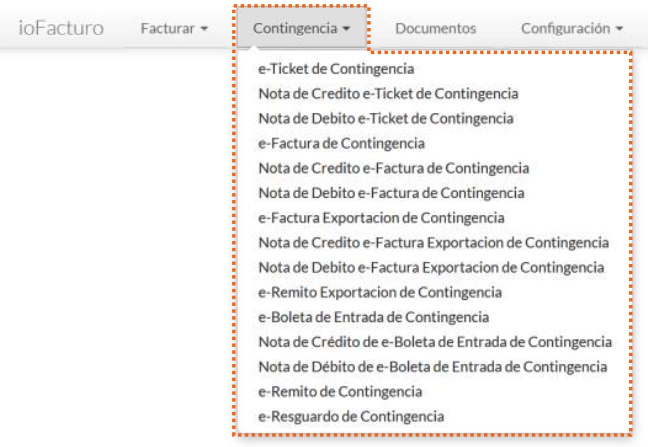
From the Contingency menu, you will find the contingency variants for each document type (Contingency e-Ticket, Contingency e-Invoice, Contingency e-Remittance, etc.).
It works the same way as described in Document Issuance for the Invoice module.
The folios assigned to contingency documents are loaded separately with the Load Contingency button of the Folios submodule. See Configuration — Folios.