The Spanish version is the authoritative reference. View in Spanish
Portal Structure
All screens of the private portal share the same structure: a top header and a side navigation menu.
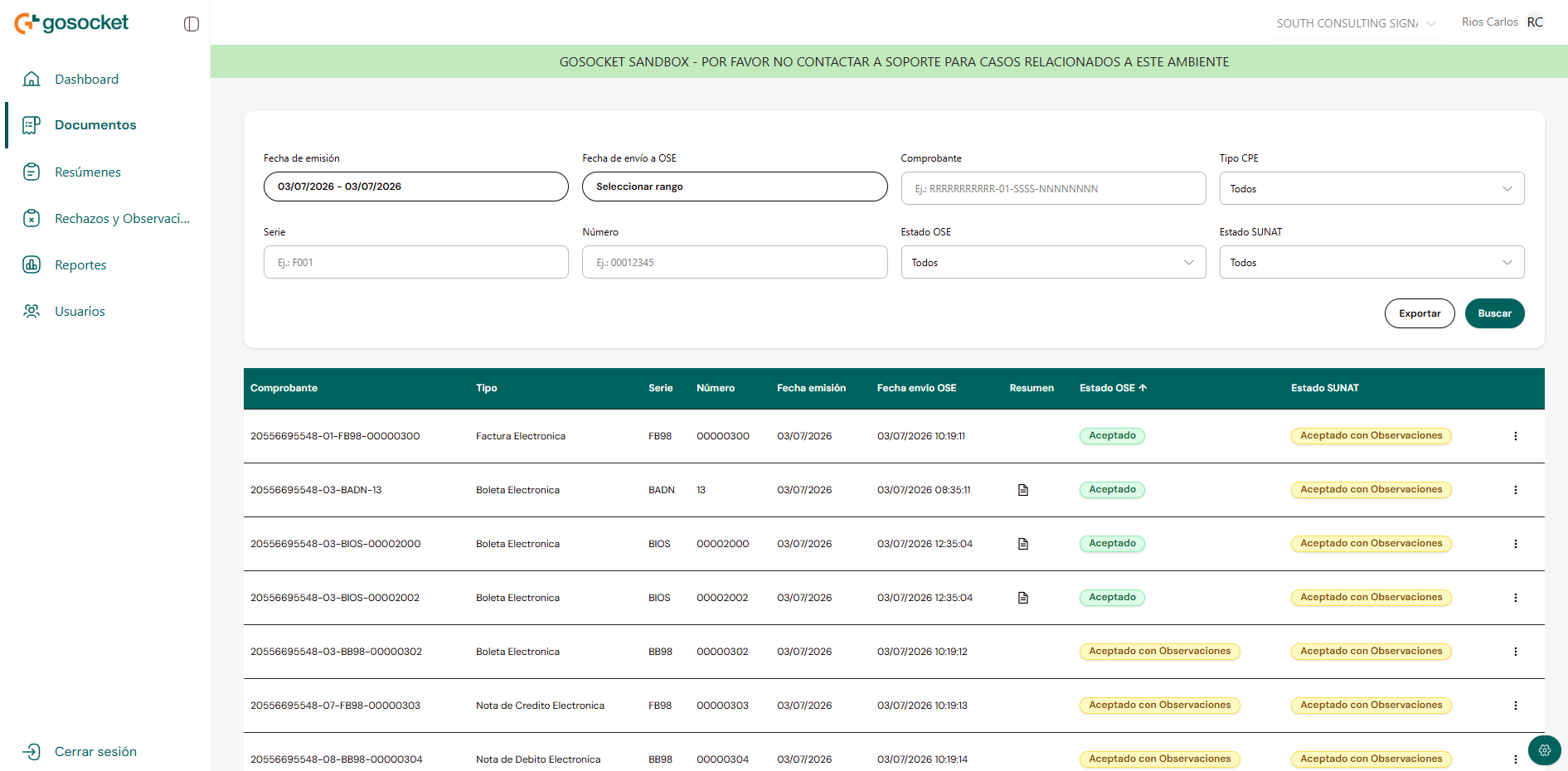
Top header

GoSocket logo
Identifies the portal.Collapse menu icon
Collapses the side menu to icons only, to gain screen space.Company selector
Shows the active company. Allows switching between already-assigned companies without signing in again.Logged-in user
Name and initials of the user with an active session.info
The details of the company selector (context switching, multi-company) are documented in Company Selector.
Side menu
The side menu groups access to all portal sections:
Dashboard
General indicators panel.Documents
View electronic vouchers.Summaries
View summaries sent to the OSE.Rejections and Observations
View rejections and observations for vouchers and summaries.Reports
Track and download requested exports.Users
Manage portal users.- The item corresponding to the active screen is visually highlighted in the menu.
- Sign out appears at the bottom of the menu, separated from the other options.
info
The menu can be collapsed to icons only using the button located next to the logo in the header.