The Spanish version is the authoritative reference. View in Spanish
Users
The Users screen allows an Administrator to manage users linked to the active company: activate them, edit their role and status, deactivate or delete them.

Search filters
Results table
User statuses
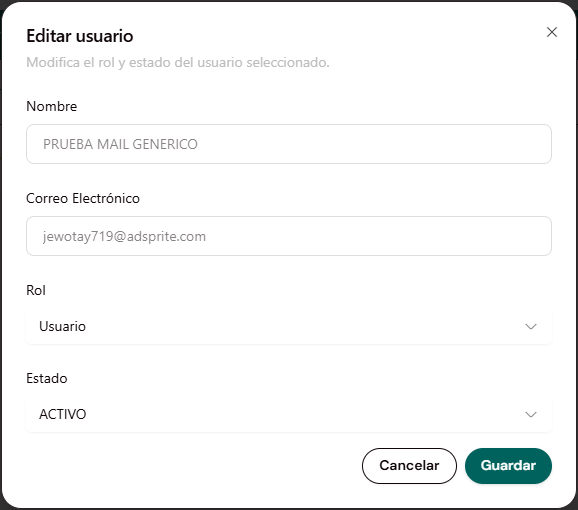
Every user starts in Pending status. An Administrator must change their Status to Active (from Edit user) for the user to be able to access the portal.
Roles
The role and status are assigned per user-company relationship, not globally for the user — see Status and role per company.
Actions

Edit user
Deactivate user
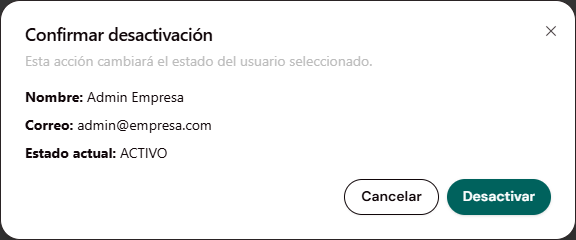
Displays a confirmation modal with the message "This action will change the status of the selected user", along with the user's Name, Email and current Status for reference, and Cancel / Deactivate buttons.
Delete user
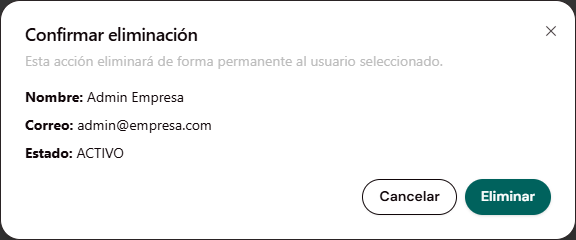
Displays a confirmation modal with the message "This action will permanently delete the selected user", along with the user's Name, Email and Status for reference, and Cancel / Delete buttons.