The Spanish version is the authoritative reference. View in Spanish
⚙️ Settings
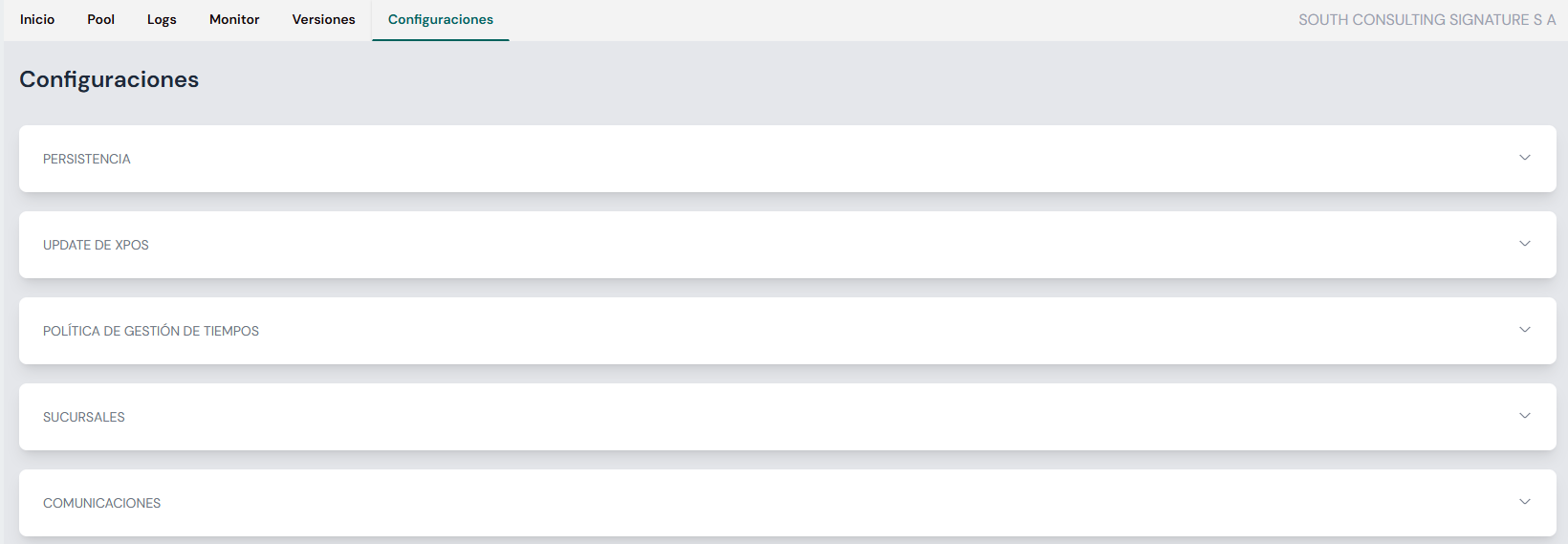
The Settings section lets you define essential parameters for the correct operation of the xPOS system. From this view you can adjust options related to data persistence, automatic updates, timing policies, branches and communications.
1. 🗂 Data persistence
This option controls the local retention of documents on the device.
- Storage days: defines the number of days documents are kept locally (maximum: 20 days).
- Once this period is exceeded, the records are automatically deleted from the device.

2. 🔄 xPOS update
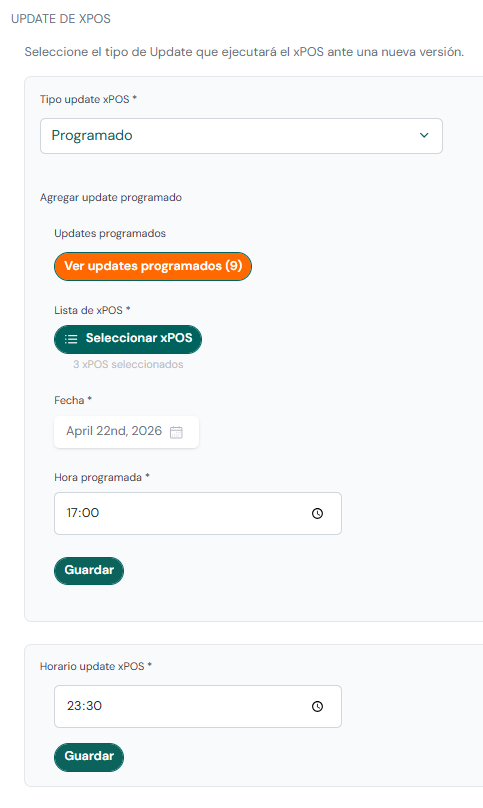
Configures the update method and schedule for the system on the devices.
The xPOS Updater product uses this configuration to define its operating mode. See xPOS-Updater Dashboard.
Update type
Defines how the system updates:
- Automatic: the xPOS device updates automatically, at the defined update time.
- Manual: user intervention is required to apply updates directly on the xPOS devices.
- Scheduled: lets you plan an update; you must define:
- the execution date and time, and
- the xPOS devices affected by the scheduled update task.
Once the parameters are defined, click Save. Scheduled and/or executed tasks can be viewed with the View scheduled updates button.
Update schedule
Sets the times when the system runs scheduled processes:
- Version update: when xPOS Updater downloads and installs new versions.
- xPOS Core reload: download of new configurations from the server.
3. ⏱ Timing management
Controls system behavior in the face of connection or execution failures, ensuring resilience and operational continuity.
Log submission time
- Log submission frequency: sets the interval (in minutes) between each automatic submission of system logs. Default value: 10 minutes.

When you finish configuring, press the Save button to apply the changes.
4. 🏢 Branch management
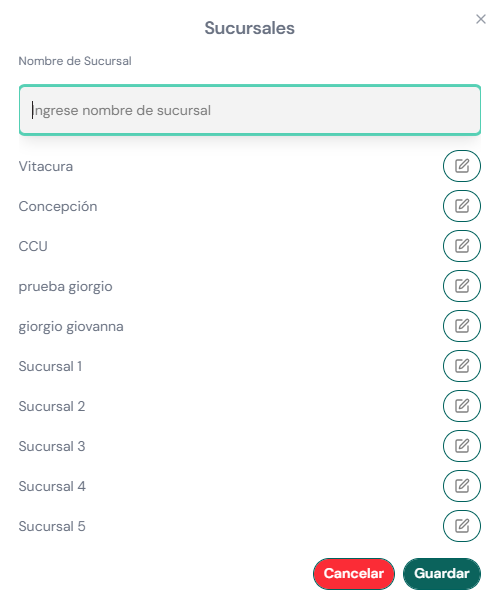
Allows creating and editing branches within the organization.
- Configured branches become available to be assigned when creating or editing an xPOS device.
- Useful for organizations with multiple points of sale or sites.
5. 💬 Communications management
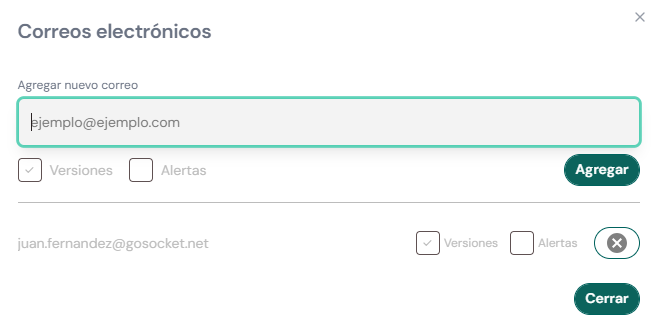
Manages the users who can receive xPOS-related notifications (by email).
- Add the email accounts of the users who should receive xPOS communications.
- Select the type of notifications to receive:
- Versions: news about new xPOS versions.
- Alerts: alerts/notifications about xPOS events.